Coastal Guardians is a participant in the Amazon Services LLC Associates Program. As an Amazon Associate we earn from qualifying purchases at no additional cost to you.
When Hurricane Ian slammed into Southwest Florida in September 2022, cell towers collapsed within hours. Families lost contact with loved ones. Emergency calls went nowhere. The digital lifelines we take for granted simply vanished.
Over 2.6 million people lost cell service during that storm. Some waited days before they could send a single text message.
That’s why satellite communicators have become essential equipment for coastal families. These devices work when everything else fails. They connect directly to orbiting satellites, bypassing cell towers entirely.
This guide shows you the best satellite communicator for hurricane emergencies 2026. We focus exclusively on the hurricane use case, not hiking or outdoor recreation. You’ll learn which devices keep Gulf Coast families connected when conventional communication networks collapse.
Why Cell Towers Fail During Hurricanes and Why Satellite Is Your Only Backup
Cell towers are fragile infrastructure. They depend on electrical power, physical stability, and network connectivity. Hurricanes attack all three simultaneously.
The failure happens in predictable stages. First, commercial power goes out. Backup generators kick in, but they only run 24 to 48 hours on fuel reserves. During sustained hurricanes, no one can refuel them safely.
Second, the physical towers themselves take damage. Wind speeds above 110 mph can bend and topple these structures. Even if the tower survives, the equipment cabinets flood in storm surge areas.
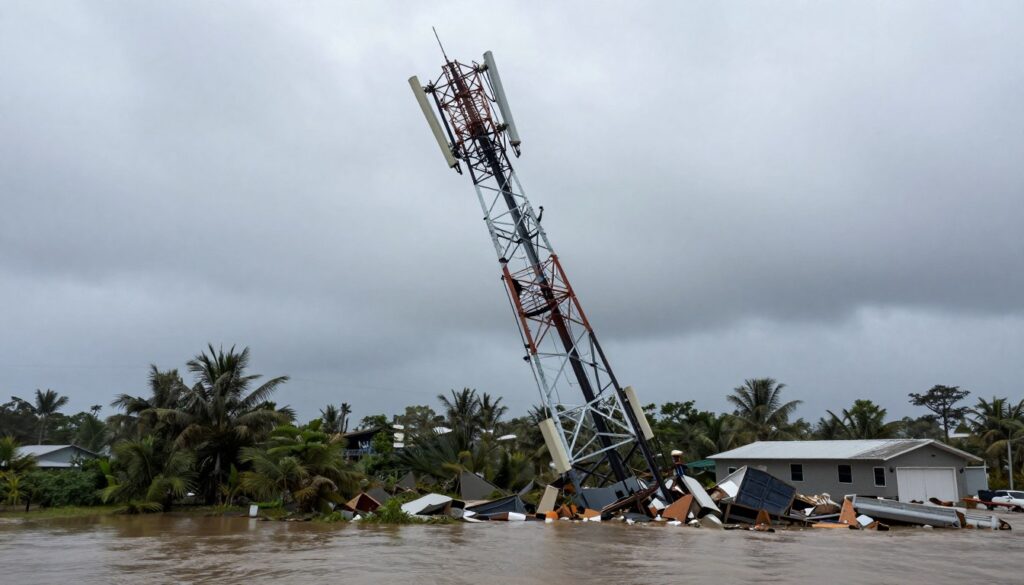
Third, the fiber optic cables that connect towers to the broader network get severed. A single downed tree can cut service to dozens of towers downstream.
Satellite communicators bypass this entire vulnerable system. They communicate directly with satellites in orbit, typically 500 to 800 miles above Earth. These satellites aren’t affected by ground-level destruction.
The satellite network maintains coverage regardless of local conditions. Your device works the same whether cell towers are operational or completely destroyed.
Cell Phone Network
- Requires local cell tower within range
- Depends on commercial power grid
- Vulnerable to physical tower damage
- Relies on intact fiber network connections
- Fails when any component breaks
Satellite Communicator
- Connects directly to orbital satellites
- Powered by internal battery or solar
- No ground infrastructure required
- Independent global coverage
- Functions during total grid failure
The difference becomes critical during the first 72 hours after landfall. This is when you need to tell family you’re safe, request emergency assistance, or coordinate with neighbors. Cell service typically remains down for three to seven days in severely affected areas.
Satellite service works continuously throughout this period. There’s no waiting for repairs or restoration. You maintain communication capability from the moment the storm hits until long after recovery operations begin.
Satellite Communicators vs Personal Locator Beacons: Which Hurricane Emergency Device You Actually Need
Many people confuse satellite communicators with Personal Locator Beacons. They serve different purposes. Understanding the distinction helps you choose the right emergency device.
Personal Locator Beacons are one-way emergency devices. You press a button. They transmit a distress signal with your GPS coordinates to search and rescue authorities. That’s all they do.
Satellite messengers are two-way communication devices. You can send and receive text messages. You can share your location. You can trigger an SOS alert. You can also communicate with family members, not just emergency services.
How Personal Locator Beacons Work
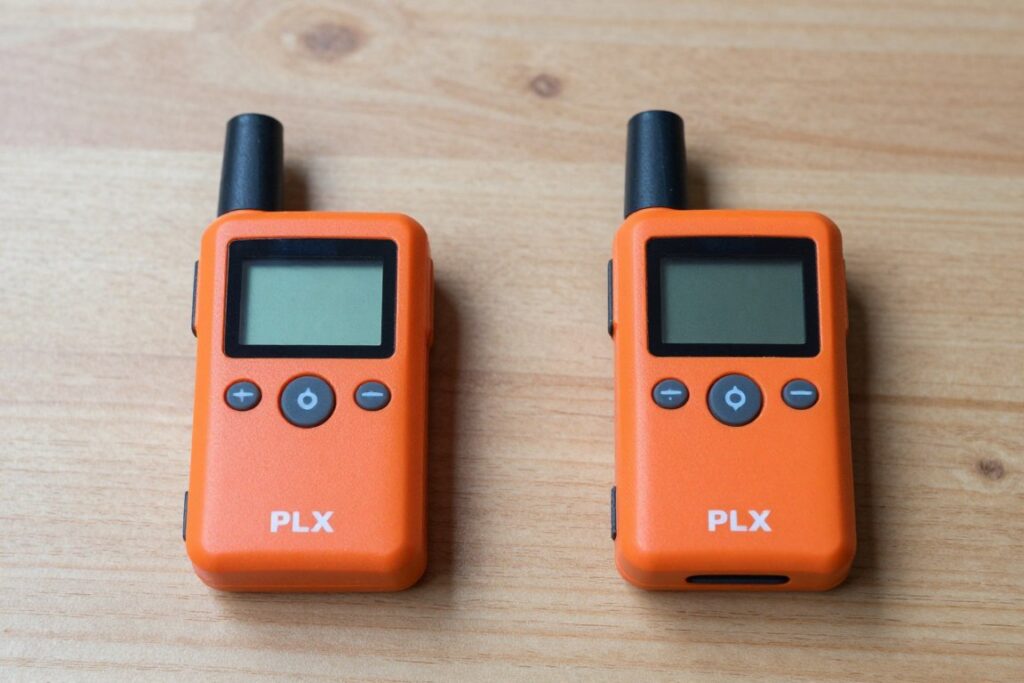
PLBs transmit on the 406 MHz frequency monitored by the COSPAS-SARSAT satellite system. This is an international search and rescue network. When you activate a PLB, the signal goes to a rescue coordination center.
The center dispatches appropriate rescue resources based on your registered information and GPS location. Response time varies from hours to days depending on circumstances and location.
PLBs have no subscription fees. You register the device once with NOAA. The battery lasts five to ten years. They’re simple and reliable for their specific purpose.
How Satellite Communicators Work
Satellite communicators use commercial satellite networks like Iridium or Globalstar. These networks support two-way text messaging, location sharing, and emergency SOS features.
You can send custom messages to any phone number or email address. Recipients respond directly to your device. The conversation flows both directions just like texting on a cell phone.
The SOS function on satellite messengers connects you to professional monitoring centers like GEOS. These centers coordinate with local emergency services and maintain contact with you throughout the rescue process.
Personal Locator Beacon Advantages
- No subscription fees after purchase
- Extremely long battery life without recharging
- Dedicated emergency frequency with high priority
- Simple one-button operation
- Lower upfront cost than satellite messengers
Personal Locator Beacon Limitations
- One-way communication only
- Cannot contact family members
- No weather updates or information access
- Designed for wilderness rescue, not urban emergencies
- Cannot send custom messages about your situation
Why Hurricane Emergencies Need Two-Way Messaging
Hurricane scenarios differ fundamentally from wilderness emergencies. You’re not lost or injured in a remote location. You’re sheltering in a known address with specific needs and questions.
You need to ask if elderly parents three neighborhoods over are okay. You need to tell your daughter in Atlanta that you survived the storm. You need to find out if the mandatory evacuation order has been lifted.
A PLB cannot do any of this. It only says “rescue me at these coordinates.” That’s appropriate for a hiker with a broken leg. It’s inadequate for a homeowner managing family communication during a multi-day emergency.
Two-way satellite messaging lets you maintain dialogue. You can coordinate with family members. You can update your status as conditions change. You can ask specific questions and receive specific answers.
Hurricane Use Case: Your neighbor’s elderly mother needs her medication refilled, but pharmacies are closed. You can use a satellite messenger to contact family members in unaffected areas. They can coordinate prescription transfers to open locations. You maintain the conversation until the problem is solved. A PLB would be completely useless in this scenario.
When a PLB Makes Sense vs When a Satellite Messenger Is Essential
PLBs work well for boaters who rarely venture far offshore. The device sits in an emergency kit for years. If the boat sinks, you activate it. Coast Guard responds. The use case is simple and infrequent.
Satellite messengers make sense for coastal homeowners who face hurricane threats every season. You’ll use the device multiple times per year, not just in dire emergencies. You’ll check weather updates, coordinate evacuation plans, and maintain family contact.
The subscription cost becomes reasonable when you consider the usage frequency. You’re not paying for a device that sits unused for a decade. You’re paying for a communication tool that provides value during every tropical system that threatens your area.
For Gulf Coast families, the satellite messenger category is the clear choice. The rest of this guide focuses exclusively on these two-way communication devices.
Best Satellite Communicators for Hurricane Emergencies 2026: Quick Comparison
These four devices represent the best options for hurricane emergency communication. Each uses proven satellite networks and offers two-way messaging capability.
| Device | Price | Satellite Network | Battery Life | Two-Way Messaging | SOS Feature | Weather Updates | Weight |
| Garmin inReach Mini 2 Editor’s Choice | ~$399 | Iridium (global) | 30 days (10-min tracking) | Yes | Yes (24/7 monitoring) | Yes (detailed forecasts) | 3.5 oz |
| Garmin inReach Messenger Plus | ~$449 | Iridium (global) | 28 days (10-min tracking) | Yes | Yes (24/7 monitoring) | Yes (detailed forecasts) | 4.0 oz |
| SPOT X | ~$249 | Globalstar | 240 hours (standby) | Yes | Yes (24/7 monitoring) | No | 7.0 oz |
| Zoleo | ~$199 | Iridium (global) | 200 hours (standby) | Yes | Yes (24/7 monitoring) | Limited | 5.3 oz |
All four devices require active subscriptions for messaging functionality. Subscription costs range from $11.95 to $64.95 per month depending on the plan and message volume you select. We cover subscription options in detail in a later section.
Editor’s Choice: Garmin inReach Mini 2 – Best Satellite Communicator for Hurricane Emergencies
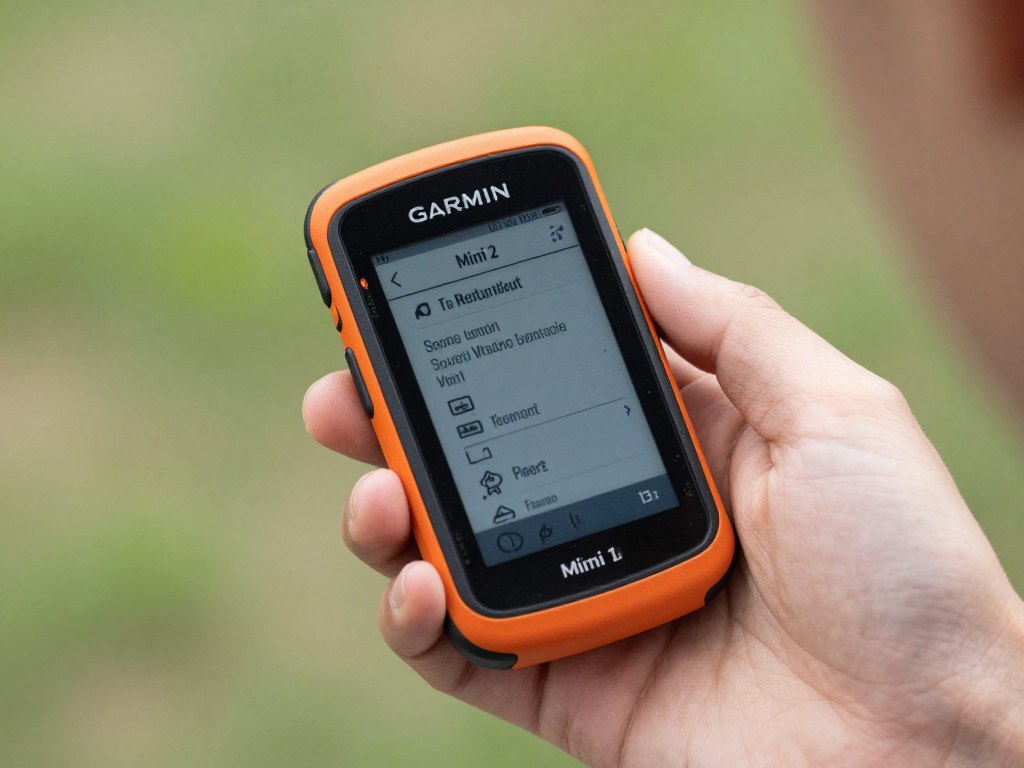
The Garmin inReach Mini 2 earns our top recommendation for Gulf Coast hurricane preparedness. It combines compact size, proven reliability, comprehensive features, and the global Iridium satellite network.
Why the inReach Mini 2 Works Best for Hurricane Scenarios
Size matters during emergencies. The Mini 2 weighs only 3.5 ounces and measures 2.0 x 3.9 x 1.0 inches. You can keep it in a pocket, a glove compartment, or a go-bag without noticing the weight.
The compact form factor means you’ll actually carry it. Larger satellite messengers get left behind because they’re bulky and inconvenient. The Mini 2 stays with you.
The device uses the Iridium satellite constellation. This network maintains 66 active satellites in low Earth orbit. Coverage is truly global with no gaps. The signal reaches you whether you’re in downtown Tampa or on a boat in the Gulf.
Two-Way Messaging Capability
The inReach Mini 2 pairs with your smartphone via Bluetooth. You compose and read messages using the Garmin Earthmate app on your phone. The interface feels familiar, like regular text messaging.
When cell networks are down, your phone still works as a messaging interface. The Mini 2 becomes your connection to the satellite network. Messages route through satellites instead of cell towers.
You can send messages to any email address or phone number. Recipients don’t need special apps or equipment. They receive your messages as standard SMS texts or emails. They reply normally, and their responses come back to your device.
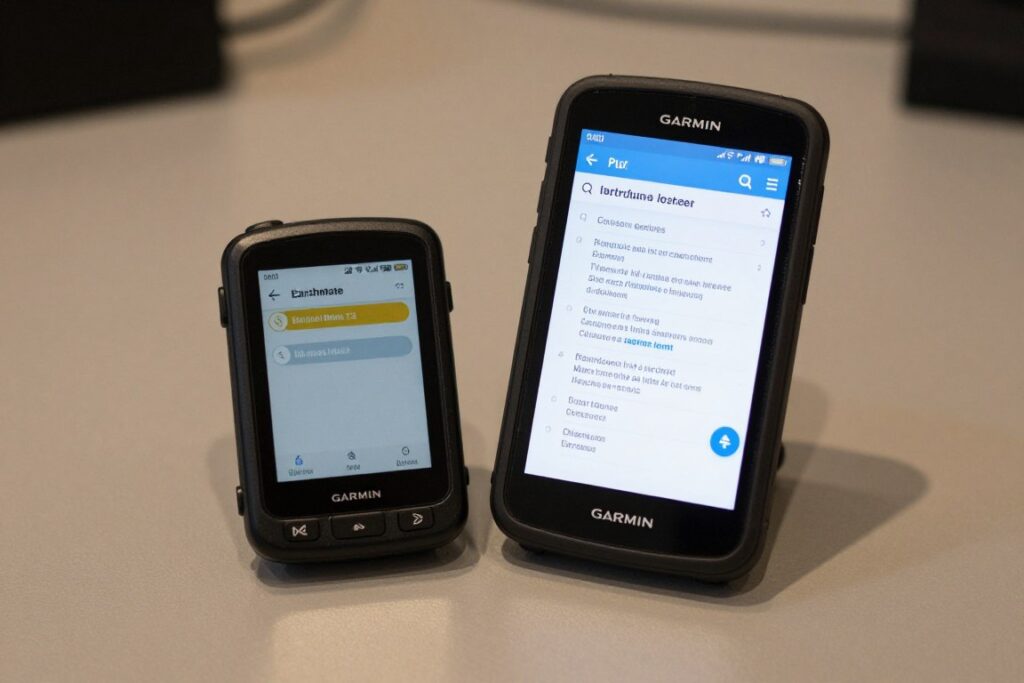
Message length is limited to 160 characters per message, similar to standard SMS. You can send unlimited messages depending on your subscription plan. Each message typically transmits within 30 seconds to 2 minutes under clear sky conditions.
SOS Emergency Response System
The dedicated SOS button activates 24/7 emergency monitoring through the GEOS International Emergency Response Coordination Center. When you press it, several things happen simultaneously.
First, your GPS coordinates transmit to the GEOS coordination center. Second, a trained coordinator contacts appropriate emergency services in your area. Third, the coordinator sends a confirmation message to your device.
You can then exchange messages with the coordinator. You can describe your situation, explain what help you need, and receive updates about response status. This two-way dialogue helps emergency services understand your specific circumstances.
The coordinator remains in contact throughout the entire rescue or assistance process. If you’re sheltering during a hurricane and need medical evacuation, they coordinate with local emergency management and keep you informed of timing and procedures.
Weather Forecast Functionality
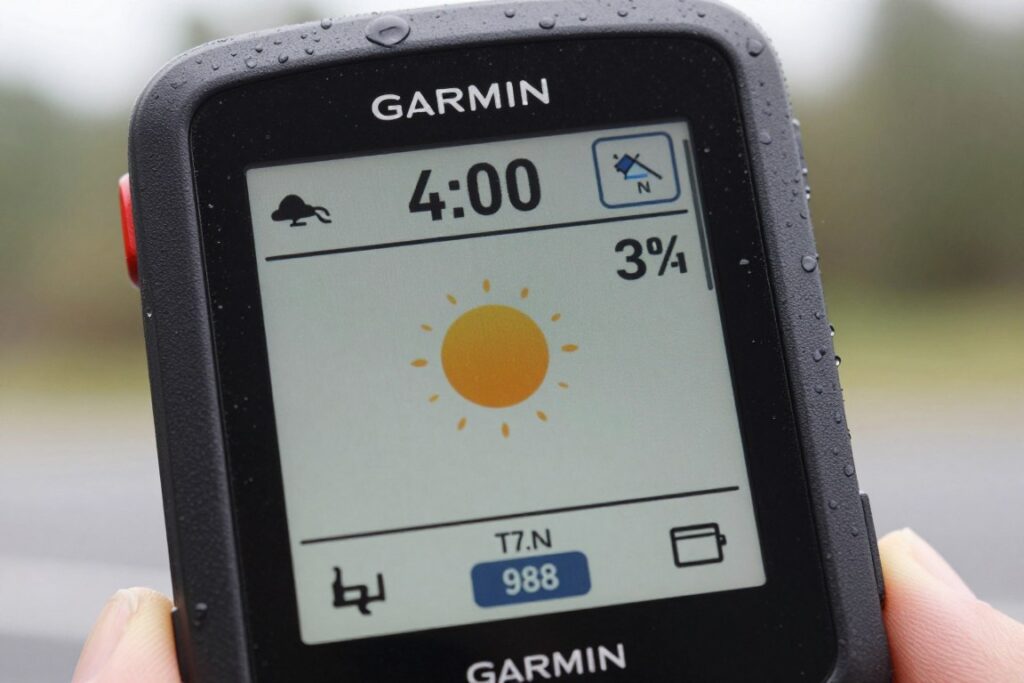
The Mini 2 can request detailed weather forecasts for your current location or any coordinates you specify. This feature becomes invaluable during hurricane season when you need current information.
Forecasts include basic conditions, marine weather, and tropical weather updates. The information comes from professional meteorological sources, not crowdsourced data. You receive temperature, wind speed, wave height, precipitation probability, and severe weather alerts.
During an active hurricane, you can check the forecast every few hours to track changing conditions. This helps you make informed decisions about when to move to interior rooms, when to expect the eye, and when conditions will improve.
Real-World Hurricane Use Example
During Hurricane Idalia in August 2023, a Cedar Key, Florida family used their inReach Mini 2 to coordinate with relatives after cell service failed. They sent location updates every six hours. They requested weather forecasts to track the storm’s movement. They confirmed they were safe when the eye passed over.
Their daughter in Georgia received every message as standard texts on her cell phone. She coordinated with local emergency management to ensure rescue teams knew the family’s exact location and status. The device worked flawlessly throughout 52 hours of cell network outage.
Battery Life and Charging
Battery performance is exceptional. Garmin rates the Mini 2 for 30 days of use with default 10-minute tracking mode enabled. With tracking off and the device in standby for messaging only, battery life extends to 14 days.
The device charges via USB-C cable. A full charge takes approximately two hours from a standard USB power source. You can charge from a portable power station, car adapter, or solar panel with USB output.
During hurricane preparation, charge the device fully and keep it powered off until you need it. Battery drain in powered-off state is minimal, preserving the charge for weeks or months.
For extended power outages, pair the Mini 2 with a portable power station. We recommend reviewing our guide to the Best Portable Power Station for Hurricane Season 2026 to keep your satellite communicator charged during multi-day emergencies.
Navigation and Tracking Features
The Mini 2 includes a digital compass and GPS receiver. You can view your current coordinates, elevation, and bearing. The device can navigate to waypoints you’ve saved in advance.
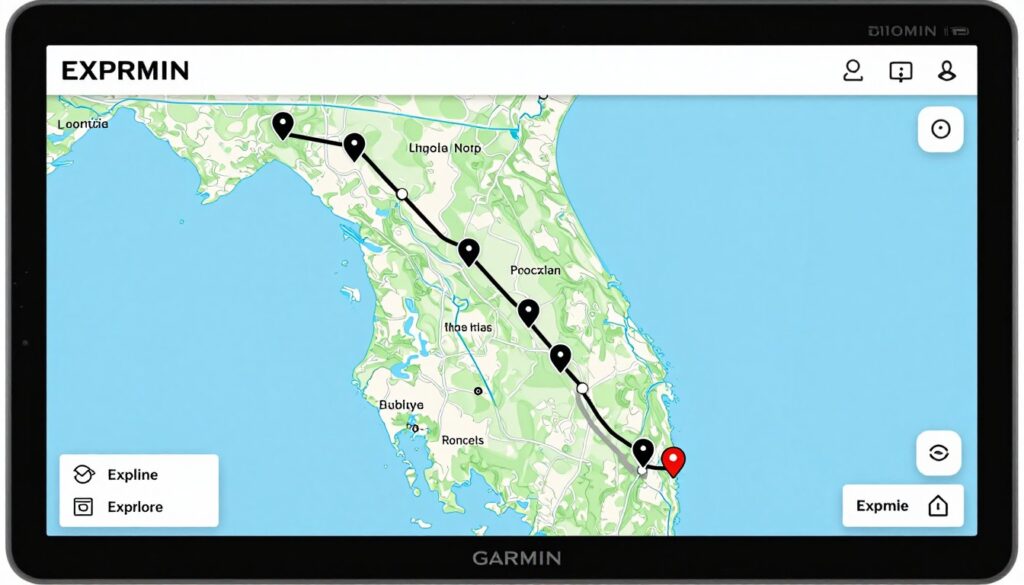
The tracking function sends your location to a web-based map that family members can monitor. You set the tracking interval from 10 minutes to 4 hours. Recipients see your movement in near real-time on the Garmin Explore website.
For hurricane evacuation scenarios, you can enable tracking so family knows exactly where you are during the drive. If you’re heading to a shelter or relative’s home, they can monitor your progress and know when you arrive safely.
Limitations and Considerations
The Mini 2 has a small screen measuring 0.9 x 0.9 inches. You can read basic information and navigate menus, but composing messages directly on the device is tedious. The smartphone app pairing is essentially required for practical use.
This means you need to keep your smartphone charged even though cell networks are down. The phone becomes your keyboard and display. Battery management for two devices becomes more complex than managing a single device.
The device requires clear view of the sky to communicate with satellites. Inside a concrete building or under heavy tree cover, signal strength degrades. You may need to move near a window or step outside to send messages reliably.
Subscription costs add up over time. The device works only with an active Garmin subscription. Budget for ongoing monthly or annual fees in addition to the upfront device cost.
Garmin inReach Mini 2 Advantages
- Truly global Iridium satellite coverage
- Exceptional 30-day battery life
- Compact and lightweight design you’ll actually carry
- Detailed weather forecasts for hurricane tracking
- Two-way messaging with any phone or email
- Proven reliability in real-world emergencies
Garmin inReach Mini 2 Drawbacks
- Small screen makes device-only operation difficult
- Requires smartphone pairing for practical messaging
- Higher upfront cost than some competitors
- Subscription required for all functionality
- Needs clear sky view for optimal performance
Garmin inReach Messenger Plus: Premium Hurricane Communication Option
The Garmin inReach Messenger Plus represents the newest evolution of Garmin’s satellite messenger lineup. It offers upgraded features and improved interface compared to the Mini 2, though at a higher price point.
Key Improvements Over the Mini 2
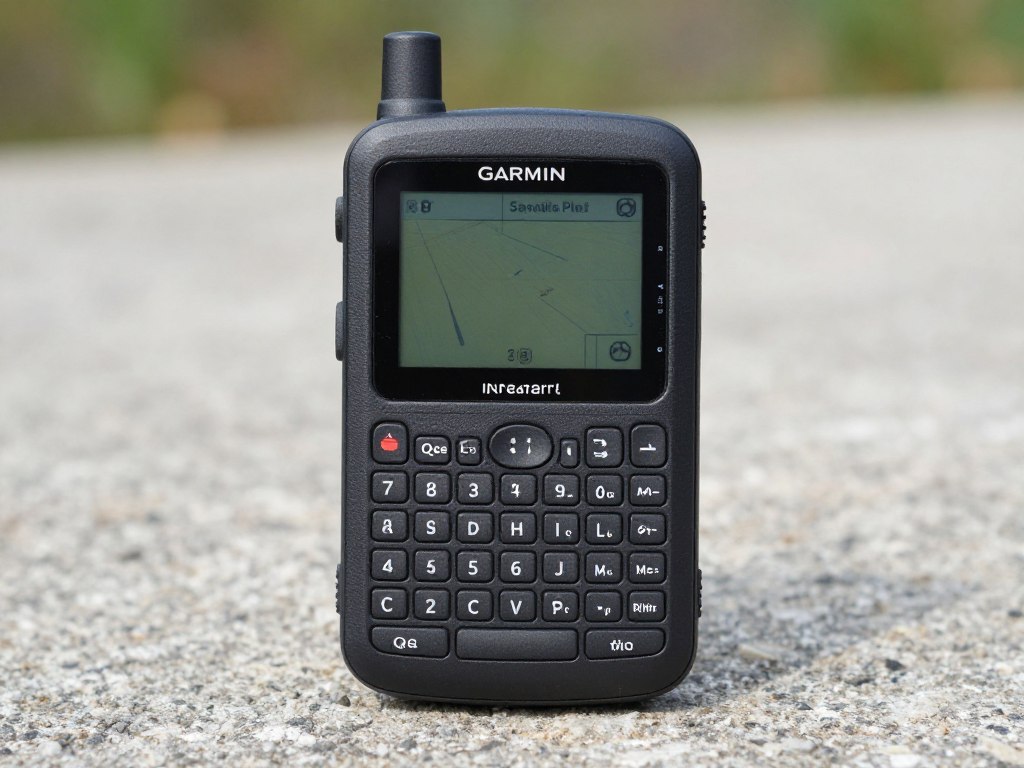
The Messenger Plus features a full QWERTY keyboard integrated directly into the device. You can compose messages without pairing to a smartphone. The keyboard makes typing faster and less frustrating during emergencies.
The screen is larger at 2.0 inches diagonal with improved resolution. You can read full messages on the device itself. The interface shows more information at once, reducing button presses to navigate menus.
Processing speed increased notably. Messages compose faster. Menu navigation feels more responsive. The device feels less like old hardware and more like modern consumer electronics.
Standalone Operation Capability
Unlike the Mini 2, the Messenger Plus works effectively without smartphone pairing. The keyboard and larger screen make independent operation practical. This matters when your phone battery dies or you choose not to carry it.
You can compose and send messages using only the device hardware. You can check weather forecasts. You can activate SOS. You can manage all core functions without any other equipment.
The device still pairs with smartphones via Bluetooth for users who prefer the app interface. You get both options, which provides flexibility based on circumstances and preferences.
Enhanced Photo and Location Sharing
The Messenger Plus can capture and send photos through the satellite network. You take a photo with the device’s built-in camera or attach a photo from your paired smartphone. The image compresses and transmits via satellite.
Photo messaging helps during hurricane recovery. You can document damage for insurance purposes and send photos to family members showing your situation. You can share images of road conditions or structural damage with emergency managers.
Location sharing becomes more visual. Instead of just coordinates, you can send a location with a photo of the surroundings. This gives recipients better context about where you are and what conditions you’re experiencing.
Battery Life and Power Management
Battery life rates at 28 days with 10-minute tracking enabled, slightly less than the Mini 2. The larger screen and more powerful processor require additional power. In messaging-only mode without tracking, expect approximately 12 days of battery life.
The device charges via USB-C. Charging time is approximately 2.5 hours for a full charge. The larger battery capacity takes longer to charge than the Mini 2 but provides similar runtime.
Power management features include automatic screen timeout, adjustable backlight brightness, and power-saving modes. You can optimize settings to extend battery life during prolonged emergencies.
Hurricane-Specific Use Cases
The keyboard advantage shows clearly during extended communication sessions. When you’re coordinating with multiple family members, updating status with neighbors, and requesting specific supplies, typing speed matters.
The larger screen makes reading weather forecasts easier. You can view more forecast data without scrolling through multiple screens. This helps you make faster decisions about shelter timing and evacuation windows.
The standalone capability means one less device to keep charged. If you’re managing limited power station capacity among multiple family devices, eliminating smartphone dependency helps.
Price Consideration: The Messenger Plus costs approximately $50 more than the Mini 2. For that premium, you get the keyboard, larger screen, photo capability, and standalone operation. Evaluate whether these features justify the additional cost for your specific needs.
Limitations Compared to Mini 2
The device is larger and heavier at 4.0 ounces compared to 3.5 ounces for the Mini 2. The size difference is noticeable in a pocket. The Messenger Plus feels more like a small phone, less like a compact emergency beacon.
Battery life is marginally shorter despite similar ratings. Real-world testing shows the Mini 2 typically outlasts the Messenger Plus by 10 to 15 percent in equivalent usage scenarios.
The photo transmission feature consumes significant battery power and takes several minutes per image. During critical emergencies, photo messaging may not be worth the power cost and transmission time.
inReach Messenger Plus Advantages
- Built-in QWERTY keyboard for easier message composition
- Larger 2.0-inch screen with better readability
- Works independently without smartphone pairing
- Photo transmission capability for damage documentation
- Faster processing and improved user interface
- Same global Iridium coverage as Mini 2
inReach Messenger Plus Drawbacks
- Higher price point than Mini 2
- Larger size reduces portability
- Slightly shorter battery life in practice
- Photo feature drains battery quickly
- Still requires subscription service
SPOT X: Budget-Friendly Satellite Messenger for Hurricane Preparedness
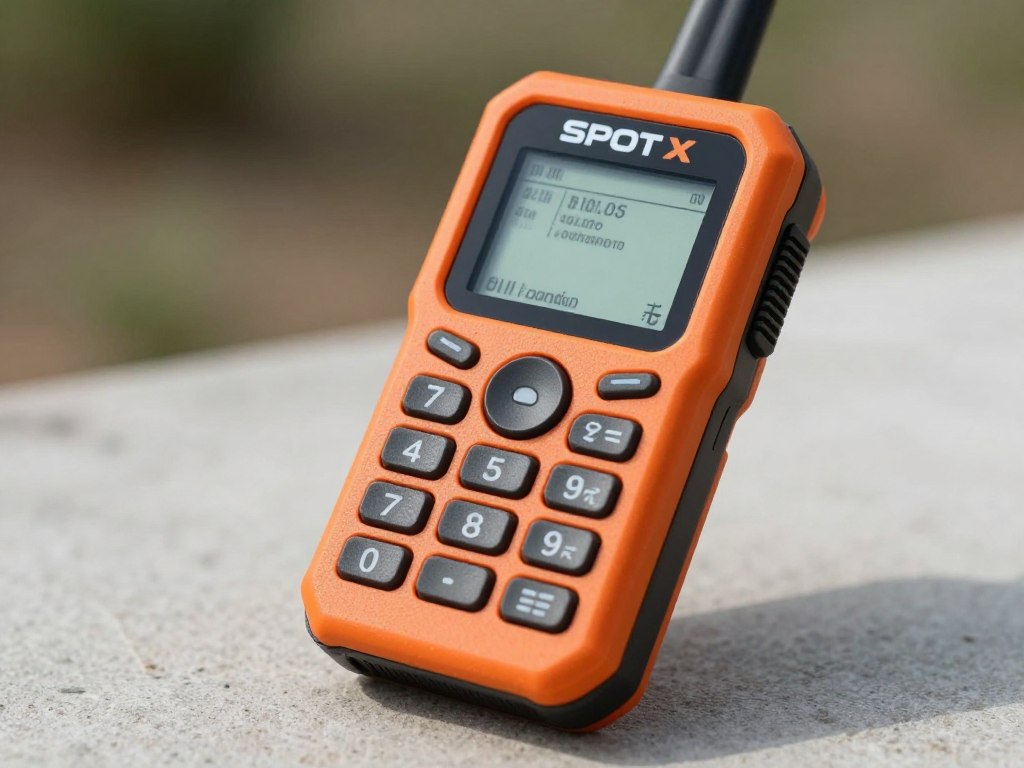
The SPOT X offers satellite messaging at the most accessible price point in this category. The device targets users who want two-way messaging functionality without premium features or premium pricing.
Why SPOT X Costs Less
The SPOT X uses the Globalstar satellite network instead of Iridium. Globalstar provides coverage across North America, Europe, and large portions of South America and Australia. Coverage is not truly global like Iridium.
For Gulf Coast hurricane use, Globalstar coverage is excellent. The entire United States coastline falls within strong signal areas. You don’t need global coverage if you never leave North America.
The device hardware is older technology. The screen is basic LCD without backlighting. The processor is slower. The interface feels dated compared to newer Garmin models. These cost-saving measures bring the price down substantially.
Two-Way Messaging with Full Keyboard
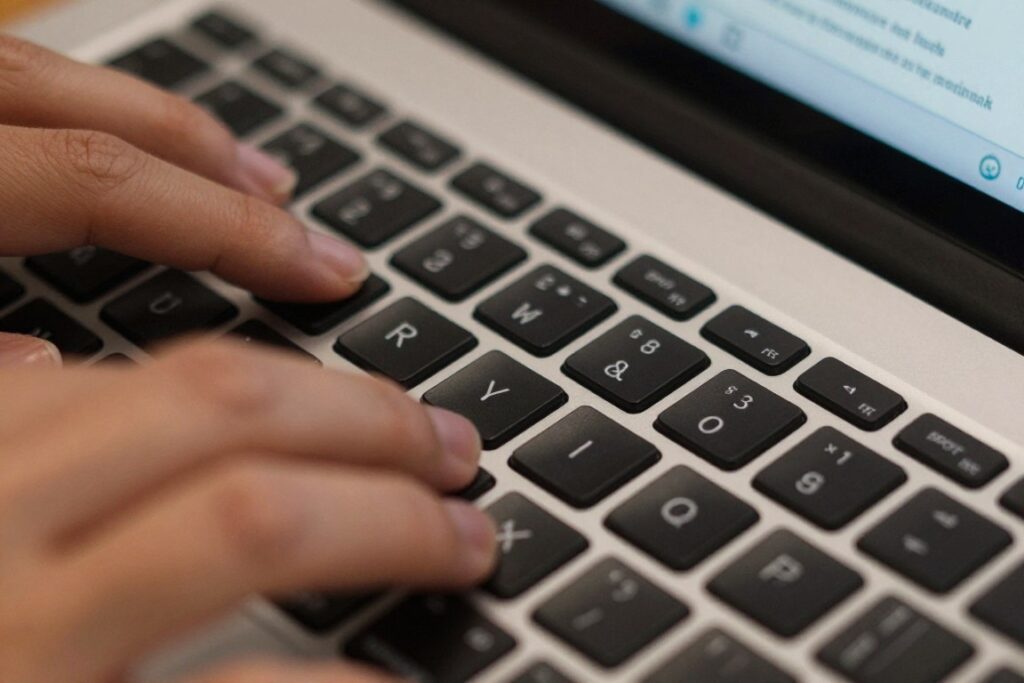
The SPOT X includes a full QWERTY keyboard built into the device. You compose messages by typing directly on the hardware keyboard. The layout is similar to old Blackberry phones, familiar to many users.
Messages send to any email address or phone number, just like Garmin devices. Recipients receive standard SMS texts or emails. They reply normally, and responses route back to your SPOT X through the satellite network.
Message length is capped at 140 characters per message. This is slightly shorter than the 160-character limit on Garmin devices. Longer conversations require breaking information into multiple messages.
Battery Performance
SPOT rates the X for 240 hours of standby time. This translates to approximately 10 days of real-world use with moderate messaging activity. Battery life is shorter than Garmin devices but adequate for typical hurricane scenarios.
The device charges via micro-USB cable, not the newer USB-C standard. Charging takes about 3 hours for a full charge. The older charging standard means you need to carry a different cable than most modern electronics.
Power consumption increases significantly during active messaging sessions. Expect battery life to drop to 5-7 days if you’re sending frequent updates to family members. Plan accordingly for extended power outages.
SOS and Emergency Features
The dedicated SOS button connects to the GEOS International Emergency Response Coordination Center, the same service used by Garmin devices. When activated, your GPS coordinates and device information transmit to coordinators.
GEOS contacts appropriate emergency services in your area and sends confirmation to your device. You can exchange messages with coordinators to describe your situation and receive updates about response timing.
The SOS service is included with your subscription at no additional charge. This is important because some older SPOT models charged extra for SOS monitoring. The X includes it as a standard feature.
What SPOT X Doesn’t Include
The SPOT X cannot request weather forecasts. This is a significant limitation during hurricane events when weather updates are crucial. You’ll need alternative sources for forecast information.
The device has no smartphone app pairing. It operates entirely as a standalone unit. This is both a benefit (no smartphone dependency) and a limitation (no app-based message composition).
Navigation features are minimal. The device shows basic GPS coordinates but lacks the mapping and waypoint navigation found on Garmin units. You can share your location, but recipients won’t see it on an interactive map.
Coverage Note: Before purchasing SPOT X, verify Globalstar coverage in your specific area using the coverage map at findmespot.com/coverage. While Gulf Coast coverage is generally excellent, some rural inland areas have gaps that could affect performance during evacuation routes.
Subscription Costs and Plans
SPOT subscription plans start at lower monthly costs than Garmin plans. The Basic plan offers unlimited messaging for $11.95 per month with annual commitment. Month-to-month plans cost slightly more.
The lower subscription cost can offset the hardware savings over time. If you maintain service for several years, the total cost of ownership for SPOT X may be lower than Garmin devices despite similar monthly pricing.
SPOT allows plan suspension during off-season months. You can pause your subscription from October through May, then reactivate for hurricane season. This flexibility reduces annual costs for seasonal users.
Best Use Cases for SPOT X
The SPOT X makes sense for budget-conscious families who need basic two-way satellite messaging without premium features. If you can live without weather forecasts and advanced navigation, the cost savings are meaningful.
The device works well for boaters who stay within Globalstar coverage areas. Coastal cruising along the Gulf and Atlantic coasts maintains strong signal. Blue water offshore sailing would require Iridium coverage instead.
Users who prefer physical keyboards over smartphone apps will appreciate the SPOT X interface. The typing experience is better than the Mini 2’s tiny screen but not as refined as the Messenger Plus.
SPOT X Advantages
- Lowest upfront device cost in category
- Built-in QWERTY keyboard for easy messaging
- Lower monthly subscription costs
- Option to suspend service during off-season
- Standalone operation without smartphone
- Same GEOS emergency monitoring as premium devices
SPOT X Drawbacks
- No weather forecast capability
- Limited to Globalstar coverage (not global)
- Shorter battery life than Garmin devices
- Older micro-USB charging standard
- Basic LCD screen without backlight
- Minimal navigation features
Zoleo: Smartphone-Integrated Satellite Messenger
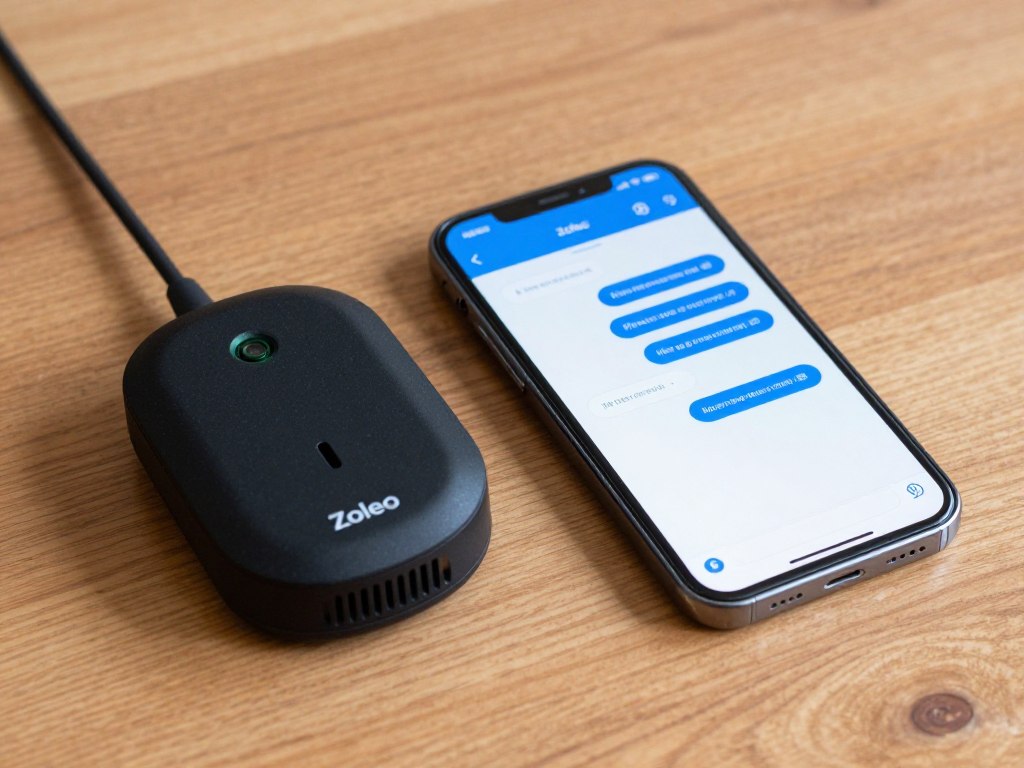
Zoleo takes a different approach to satellite messaging. The device functions primarily as a satellite modem that pairs with your smartphone. The integration creates a hybrid system combining cellular, WiFi, and satellite connectivity.
How Zoleo’s Hybrid System Works
The Zoleo device pairs with the Zoleo smartphone app via Bluetooth. The app automatically selects the best available network for each message. If cell service is available, messages route through cellular. If WiFi is available, messages use that instead.
When cell and WiFi are both unavailable, messages automatically route through the Iridium satellite network. The switching happens transparently. You send messages the same way regardless of which network carries them.
This intelligent routing conserves satellite message credits. You only use satellite service when necessary. During normal times with cell service, messaging is unlimited and doesn’t count against satellite limits.
App-Centric Design Philosophy
The Zoleo device itself has no screen and no keyboard. It’s simply a satellite modem with status LEDs. All interaction happens through the smartphone app. This keeps the hardware simple and affordable.
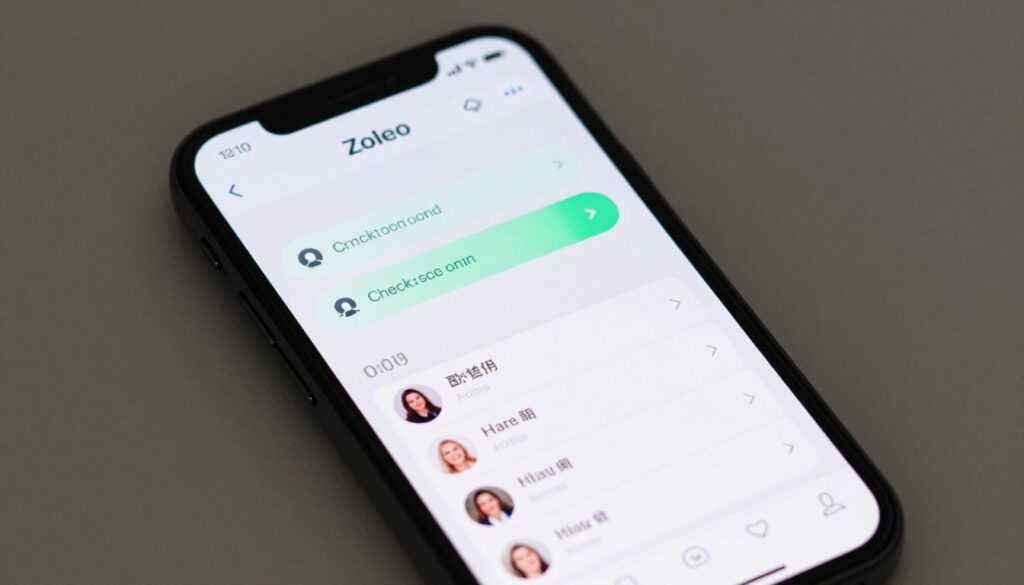
The app interface resembles standard messaging apps. Conversations look like regular text threads. You can create contact groups, send messages to multiple recipients, and view message history just like normal texting.
The app also provides message check-in features. You can set up automated “I’m okay” messages that send at scheduled intervals. Family members receive regular updates without you manually composing messages.
Email and SMS Integration
Zoleo assigns you a unique email address and phone number for satellite messaging. Contacts can email your Zoleo address or text your Zoleo number. Messages route to the device via satellite when other networks aren’t available.
This means you maintain a consistent contact method. Family members don’t need to remember different procedures for satellite versus cellular communication. They always use the same email or phone number.
Replies from the device show your Zoleo number or email to recipients. Your personal cell number remains private. Some users prefer this separation, while others find it confusing to manage multiple contact identities.
Battery Life and Charging
Zoleo rates battery life at 200 hours in standby mode. Real-world testing shows approximately 7-9 days of use with moderate messaging. The device drains faster than Garmin units but lasts longer than SPOT X.
The device charges via micro-USB cable. Full charge time is approximately 2 hours. Like SPOT X, the older micro-USB standard requires carrying an extra cable beyond modern USB-C devices.
Battery management requires monitoring both the Zoleo device and your smartphone. If your phone dies, you lose all messaging capability regardless of Zoleo battery status. This dual-device dependency is the system’s primary weakness.
SOS Emergency Function
The Zoleo hardware includes a dedicated SOS button. Pressing it triggers an alert to the Zoleo monitoring center operated by GEOS. The SOS function works even if your smartphone is dead or disconnected.
The monitoring center receives your GPS coordinates and device information. They contact emergency services and coordinate response. They can also send messages to your emergency contacts alerting them to your situation.
Two-way communication with coordinators requires smartphone connectivity. Without the phone, you can trigger SOS but cannot exchange detailed messages about your circumstances. This is a significant limitation compared to devices with built-in screens.
Subscription Plans and Costs
Zoleo subscriptions start at $20 per month for basic service with 25 satellite messages included. Additional messages cost $0.50 each. Unlimited plans cost $35 per month with annual commitment.
The hybrid routing system means you rarely consume all 25 satellite messages in a month under normal circumstances. Most messaging happens over cellular or WiFi automatically. During hurricane emergencies when cellular fails, message volume increases significantly.
Zoleo allows monthly subscriptions without annual commitment, though rates are slightly higher. This flexibility helps users who only want service active during hurricane season.
Hurricane Use Case Evaluation
Zoleo’s smartphone dependency is problematic during extended emergencies. You must keep two devices charged instead of one. If your phone battery dies, you lose all messaging functionality even though the Zoleo device itself may be fully charged.
The lack of weather forecast capability is another drawback. During active hurricanes, access to current forecasts helps with decision-making. Zoleo cannot request or receive weather data through the satellite connection.
The device’s simplicity is both benefit and limitation. There’s less to learn and less to break. But there’s also less functionality when you need sophisticated features.
Smartphone Dependency Alert: Zoleo requires a functioning smartphone for all messaging. During multi-day power outages, managing battery life for two devices instead of one adds complexity. Consider whether this tradeoff works for your emergency preparedness strategy.
Zoleo Advantages
- Lowest device price in category
- Familiar smartphone app interface
- Intelligent network switching saves satellite messages
- Automated check-in messaging features
- Global Iridium satellite coverage
- Dedicated email and phone number for satellite messages
Zoleo Drawbacks
- Requires functioning smartphone for all messaging
- No weather forecast capability
- Two-way SOS requires smartphone connectivity
- Must manage battery for two devices
- Limited functionality without app access
- Shorter battery life than Garmin devices
Satellite Messenger Subscription Plans: Monthly vs Annual and Hurricane-Only Use
Satellite communicators require active subscriptions to function. The device hardware is useless without service. Understanding subscription options helps you choose the right plan and avoid unnecessary costs.
How Satellite Subscription Services Work
When you send a message from your satellite communicator, the signal transmits to a satellite in orbit. The satellite relays the signal to a ground station. The ground station routes the message to the recipient via internet or phone networks.
This infrastructure costs money to operate. Satellite companies charge subscription fees to cover network access, ground station operations, and customer support. Different plans offer different message volumes and features.
Subscriptions are separate from device purchases. You buy the hardware once, then pay monthly or annual fees for as long as you want the service active. Canceling service stops messaging functionality but doesn’t damage the device.
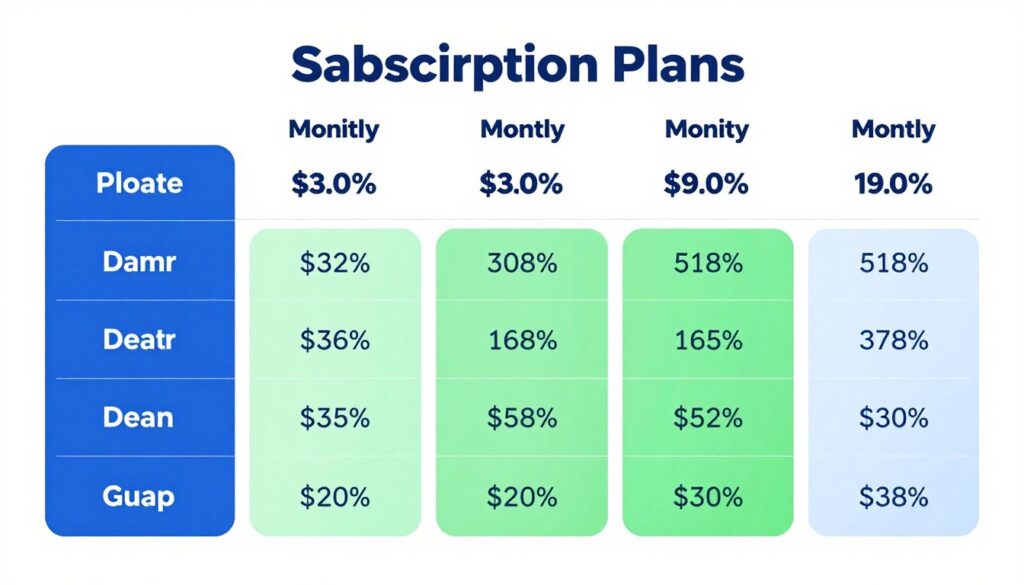
Garmin inReach Subscription Plans
Garmin offers four main subscription tiers: Safety, Recreation, Expedition, and Unlimited. Each tier provides different message allowances and features. All tiers include basic SOS service.
The Safety Plan costs $14.95 per month with annual commitment or $19.95 month-to-month. It includes 10 text messages per month. Additional messages cost $0.50 each. This plan works for minimal emergency-only use.
The Recreation Plan costs $34.95 per month annually or $39.95 monthly. It includes unlimited preset messages and 160 custom text messages. It includes tracking at 10-minute intervals. This plan suits most hurricane preparedness needs.
The Expedition Plan costs $64.95 per month annually or $74.95 monthly. It includes unlimited messages and advanced features like weather overlays and satellite imagery. This plan is overkill for typical hurricane use unless you need unrestricted messaging.
The Unlimited Plan removes all message limits at $99.95 per month. This is designed for commercial users and extended expeditions, not residential emergency preparedness.
| Plan Name | Annual Cost | Monthly Cost | Text Messages | Tracking Interval | Best For |
| Safety | $14.95/month | $19.95/month | 10 included ($0.50 each additional) | 10 minutes | Absolute minimal use |
| Recreation | $34.95/month | $39.95/month | 160 custom + unlimited preset | 10 minutes | Hurricane preparedness |
| Expedition | $64.95/month | $74.95/month | Unlimited | Custom | Heavy users |
| Unlimited | $99.95/month | $99.95/month | Unlimited | Custom | Commercial use |
SPOT X Subscription Plans
SPOT offers simpler plan structures with lower baseline costs. The Basic Annual plan costs $11.95 per month when paid annually ($143.40 per year). It includes unlimited messages within North America.
The Flex Monthly plan costs $17.95 per month with no annual commitment. Messages are unlimited. You can activate and suspend this plan as needed, paying only for months when service is active.
SPOT’s suspension feature is valuable for hurricane-only users. You can activate in May, keep service through November, then suspend December through April. This reduces annual costs to approximately $125 for seven months of coverage.
Zoleo Subscription Plans
Zoleo’s Basic Plan costs $20 per month with no annual commitment required. It includes 25 satellite messages per month. Additional messages cost $0.50 each.
The Unlimited Plan costs $35 per month and includes unlimited satellite messages. This plan makes sense if you send more than 30 satellite messages per month.
Zoleo’s hybrid routing means many of your messages use cellular or WiFi instead of satellite. The 25-message allowance on the Basic Plan often suffices even during active use because only some messages consume satellite credits.
Seasonal Hurricane-Only Subscription Strategy
Hurricane season runs officially from June 1 to November 30. Peak activity occurs August through October. Most Gulf Coast residents don’t need year-round satellite service.
The most cost-effective approach is activating service for seven months (May through November) and suspending during off-season. This strategy works differently depending on device brand.
For Garmin devices, you can activate on month-to-month plans during hurricane season. Pay the slightly higher monthly rate for seven months rather than committing to annual pricing. Total cost: approximately $280 for seven months on the Recreation plan.
For SPOT X, use the Flex Monthly plan. Activate in May, suspend in December. Total cost: approximately $125 for seven months.
For Zoleo, monthly plans are standard pricing. Seven months of Basic service costs $140, or $245 for Unlimited.
Cost Comparison for Hurricane Season Only (7 months):
Garmin Recreation Monthly: ~$280
SPOT X Flex: ~$125
Zoleo Basic: ~$140
Zoleo Unlimited: ~$245
The Case for Year-Round Service
While seasonal activation saves money, year-round service has benefits. The device remains ready for unexpected emergencies beyond hurricane season. You can test the device periodically to ensure it still functions correctly.
Annual Garmin plans offer better per-month pricing. The Recreation plan at $34.95 monthly totals $419.40 annually. This is only $140 more than seven months at monthly pricing, essentially getting five extra months for minimal additional cost.
Year-round service also covers winter storm emergencies, power outages from ice storms, and other situations where cell networks might fail outside hurricane season.
Which Plan Makes Sense for Your Situation
Assess your expected message volume honestly. During Hurricane Ian, families in affected areas sent 20 to 40 messages over a three-day period coordinating evacuations, checking on relatives, and updating status.
If you plan to use the device only during actual hurricane threats, the Garmin Safety plan might suffice. Ten messages gets you through a single event, and you can purchase additional messages as needed.
If you want to use the device for regular family check-ins during hurricane season, test messages, and coordination during multiple tropical systems, the Recreation plan provides better value and eliminates overage concerns.
Budget-conscious users should seriously consider SPOT X with Flex Monthly plans. The lower cost and suspension flexibility make it the most economical option for hurricane-only use cases.
Why You Must Activate Your Satellite Subscription Before Hurricane Season Starts
Timing matters critically when activating satellite messenger subscriptions. Waiting until a storm threatens is too late. Understanding activation procedures and delays helps you prepare properly.
How Subscription Activation Actually Works
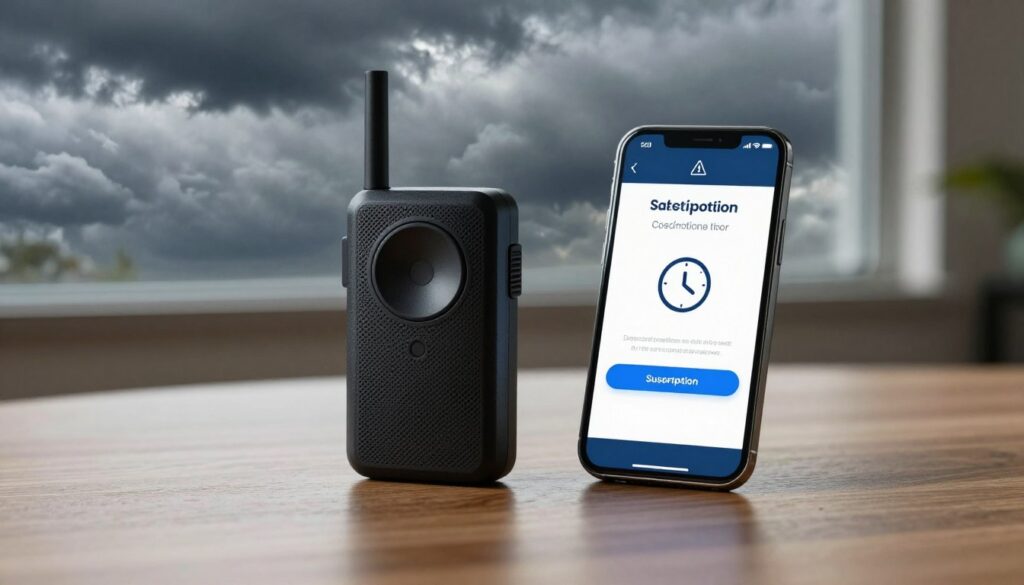
When you activate a new satellite subscription, the activation request goes to the satellite network provider. They update satellite constellation databases with your device information. This process is not instantaneous.
Garmin activations typically complete within 15 to 30 minutes under normal conditions. During that window, your device cannot send or receive messages. It’s registering with the satellite network and syncing configuration data.
SPOT activations take 24 to 48 hours to fully propagate through the Globalstar network. Your device may work for basic messaging within hours, but full functionality including SOS can take two days to activate.
Zoleo activations usually complete within one to two hours. The Iridium network processes activations faster than Globalstar but still requires time for database updates to reach all satellites in the constellation.
What Happens When Everyone Activates Simultaneously
When a major hurricane forms in the Gulf and forecasters issue warnings, thousands of people remember their emergency communicators simultaneously. They all try to activate subscriptions at once.
Customer service phone lines become overwhelmed. Website activation portals slow down or crash. Email activation requests pile up faster than support staff can process them. Activation times extend from hours to days.
During Hurricane Ida in 2021, SPOT reported activation delays of 72+ hours as Gulf Coast residents tried to activate service once the storm entered the Gulf. People who waited until the storm was 48 hours from landfall couldn’t get service active in time.
Garmin’s network handled load better but still saw activation times stretch to 3-4 hours during peak demand. For people evacuating on short notice, even a four-hour delay can mean the difference between connectivity and communication blackout.
Critical Timeline: Once a tropical storm enters the Gulf of Mexico, you have 48-72 hours before potential landfall. If you activate your subscription at that moment, you may not have working service before impact. Activate BEFORE the storm forms, not after.
The May 1st Activation Rule
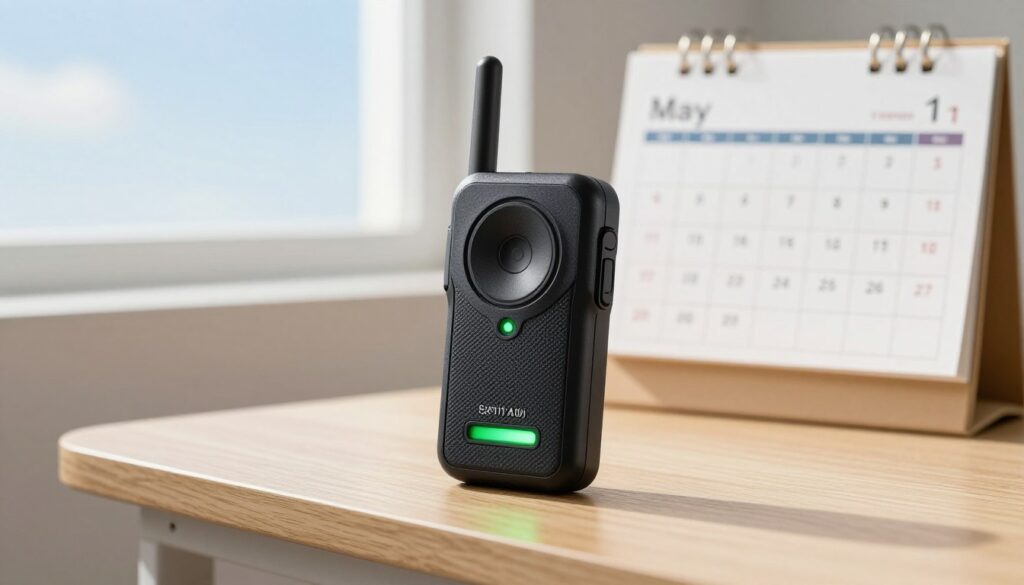
Hurricane season officially begins June 1st. Smart preparation means activating satellite subscriptions by May 1st, a full month before the season starts. This timing ensures service is active and tested before any threats develop.
Early activation lets you send test messages to family members. You can verify everyone knows your satellite contact information. You can practice the device interface while there’s no pressure or urgency.
Early activation also avoids the price increases some providers implement as hurricane season approaches. Garmin maintains consistent pricing year-round, but third-party resellers sometimes raise prices during high-demand periods.
Testing Your Device Before You Need It
Activating early gives you time to test functionality thoroughly. Send messages to your own cell phone to verify two-way communication works. Request a weather forecast to ensure that feature functions. Trigger a test SOS (following proper procedures to avoid actual emergency response).
Testing reveals problems while you can still fix them. Maybe your device firmware needs updating. Maybe your contact list didn’t sync correctly. Maybe the battery is depleted and needs charging. Discovering these issues in May is manageable. Discovering them as a Category 4 approaches is catastrophic.
Family members need test messages to learn the system. When they receive a message from your satellite device for the first time, they’ll learn what the sender name looks like, how to reply, and how to recognize legitimate messages from your device versus spam.
Reactivation After Seasonal Suspension
If you suspended service after the previous hurricane season, reactivation for the new season requires similar lead time. Don’t assume you can reactivate instantly just because the account already exists.
Suspended accounts must be fully reactivated through the satellite network, not just billing restarted. The reactivation process takes the same 15 minutes to 48 hours depending on provider as initial activation.
Set a calendar reminder for April 15th to reactivate service. This gives you two weeks of buffer before May 1st in case any issues arise with billing, account access, or technical problems.
Emergency Last-Minute Activation
Despite best planning, some people will need last-minute activation. If you’re in this situation and a hurricane is approaching within 72 hours, understand your realistic options.
Garmin offers the fastest activation path. Use the website activation portal rather than phone support. Phone lines are jammed, but website processing is automated and faster. Expect 30 minutes to 2 hours for service to go live during high-demand periods.
SPOT activation cannot be accelerated. The 24-48 hour propagation time is technical, not administrative. Calling customer service won’t make satellites update faster. If you’re within 48 hours of landfall, SPOT may not activate in time.
Zoleo activation is middle-ground at 1-4 hours typically. Their hybrid model means cellular messaging works immediately even if satellite activation is pending. This provides some functionality while full satellite service comes online.
Cost of Procrastination
Waiting to activate costs more than money. It costs the peace of mind that comes from knowing your family can reach you. It costs the confidence that emergency services can locate you if needed. It costs the ability to make informed decisions based on weather updates.
Hurricane preparedness is about eliminating unknowns and variables. An untested, newly activated satellite communicator is a variable. A device activated months ago that you’ve tested multiple times is a known reliable tool.
The subscription cost difference between activating in May versus June is zero. You pay for the month either way. But activating early changes that month from a potential liability to an asset.
Don’t Wait for the Storm to Form
Hurricane season starts June 1st every year. That date never changes. Activate your satellite subscription by May 1st to ensure reliable communication before the first tropical system develops. Your family’s safety is worth planning ahead.
Keeping Your Satellite Communicator Charged During Extended Hurricane Power Outages
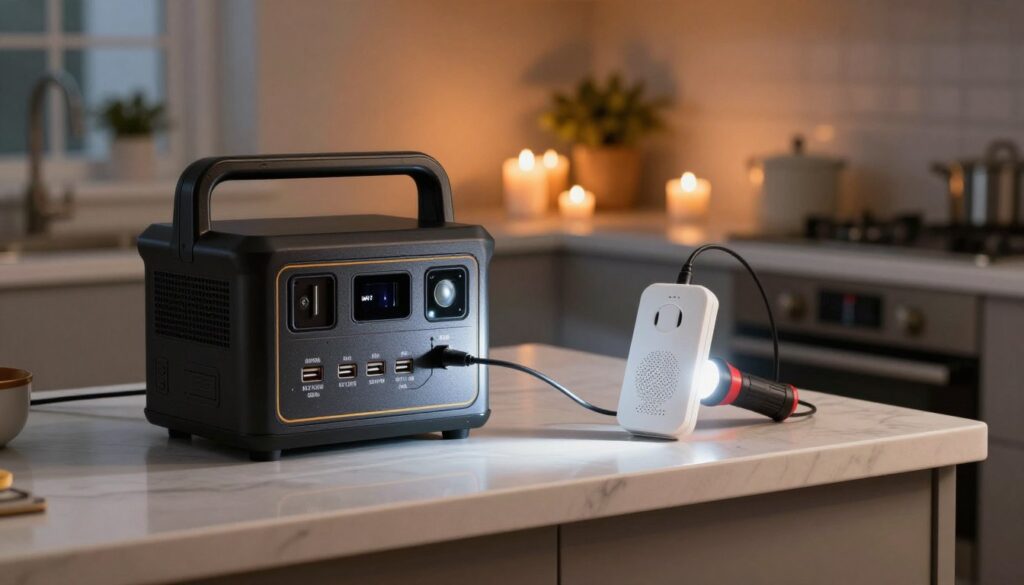
The best satellite communicator becomes useless when its battery dies. Hurricane power outages commonly last 3 to 14 days in severely affected areas. Managing device charging is as important as choosing the right device.
Battery Life Reality Check
Manufacturer battery life ratings assume optimal conditions. Real-world use during emergencies differs significantly. Frequent message checks, location sharing, and weather updates drain batteries faster than standby mode.
The Garmin inReach Mini 2’s rated 30-day battery life assumes 10-minute tracking intervals with minimal messaging. During active hurricane communication, expect 7 to 12 days of actual runtime. Heavy messaging can reduce this to 5 to 7 days.
SPOT X and Zoleo have shorter baseline battery life. Plan for 5 to 7 days of hurricane use for SPOT X and 4 to 6 days for Zoleo under moderate messaging loads.
These estimates mean even the best devices need recharging during extended outages. You cannot rely solely on the internal battery.
Portable Power Stations as Primary Charging Source
Portable power stations provide the most reliable charging solution for multi-day outages. These battery packs store hundreds to thousands of watt-hours and include multiple USB ports plus AC outlets.
A mid-sized power station with 500 watt-hours of capacity can recharge a satellite communicator 50 to 100 times. This is more than enough for any realistic hurricane scenario even while simultaneously charging phones, radios, and other essential devices.
Larger power stations with 1000+ watt-hours can power critical devices for weeks. They can also run small appliances, CPAP machines, and medical equipment if needed.
For comprehensive information on choosing the right portable power station for hurricane preparedness, see our detailed guide to the Best Portable Power Station for Hurricane Season 2026. That guide covers capacity sizing, solar charging options, and multi-device management.
Solar Charging Options
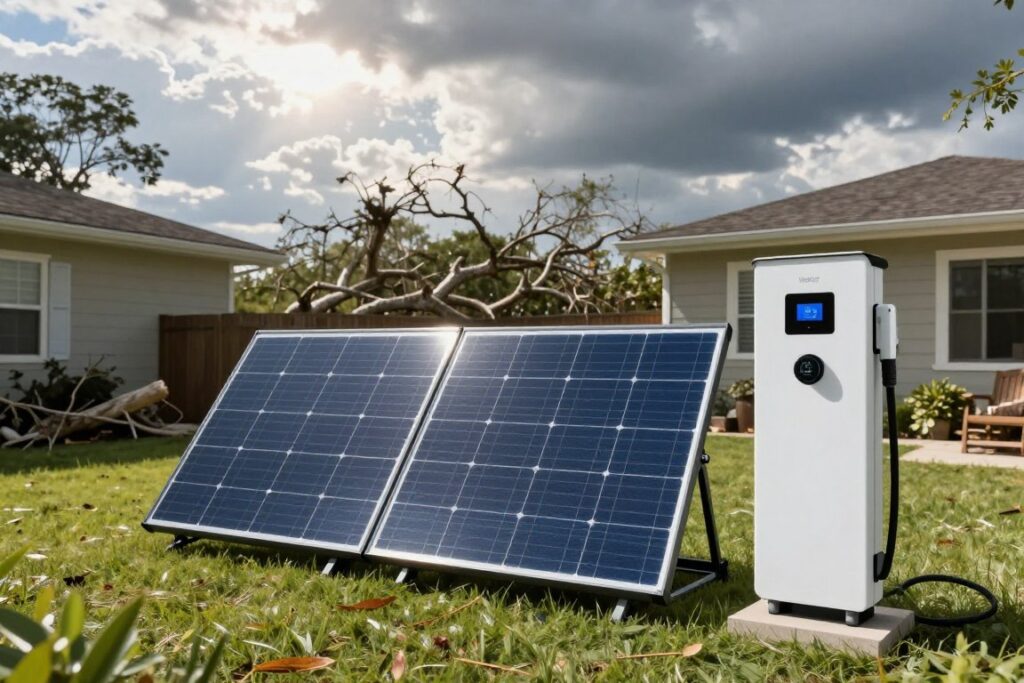
Solar panels pair with portable power stations to extend runtime indefinitely. A 100-watt solar panel can fully recharge a 500 watt-hour power station in 6 to 8 hours of direct sunlight.
After a hurricane passes, sunshine typically returns within 24 to 48 hours. Once skies clear, solar charging replenishes power station capacity for ongoing device charging.
Some satellite communicators support direct solar charging. Small portable solar panels with USB outputs can charge devices without intermediate battery packs. This works well for maintaining device charge during daytime hours.
Car Charging Strategies
Vehicle USB ports provide convenient charging if you have access to your car. Modern vehicles output 2.1 amps from USB ports, enough to charge satellite communicators efficiently.
Run the vehicle for 15 to 20 minutes to charge devices without significantly draining the car battery. This preserves starting capability while providing device power.
For longer charging sessions, consider dedicated car battery chargers that plug into 12V accessory outlets. These allow device charging without running the engine.
Never run your vehicle in an enclosed garage for device charging. Carbon monoxide poisoning kills people every hurricane season who make this mistake while trying to charge phones.
Power Management Best Practices
Conserving battery extends the time between charges. Turn off tracking features when stationary. Reduce screen brightness to minimum usable levels. Disable Bluetooth when not actively messaging.
Send messages in batches rather than continuously checking for replies. Each screen activation drains battery. Checking every five minutes uses far more power than checking every two hours.
Power off the device completely when not in use. Most satellite communicators retain settings and don’t need to stay powered on between message sessions. Powering off between uses can double practical battery life.
Backup Battery Packs
Small USB battery packs provide portable charging for satellite communicators. A 10,000 mAh battery pack can recharge a satellite messenger 5 to 8 times.
Keep battery packs fully charged before hurricane season. Lithium batteries lose about 5 percent charge per month sitting unused. Check and top off backup batteries monthly during hurricane season.
Store battery packs in waterproof containers or bags. Flooding is common during hurricanes. Submerged battery packs are ruined even if they were fully charged.
Creating a Charging Station
Designate a central charging station in your home for all critical devices. Use the portable power station as the hub. Keep all charging cables organized and accessible.
Prioritize device charging based on importance. Satellite communicator comes first, followed by emergency weather radio, then phones, then everything else. Don’t let less critical devices consume power needed for essential communication.
Rotate device charging throughout the day. Fully charge one device before moving to the next. This ensures at least some devices are always at full capacity rather than everything sitting at partial charge.
Power Budget Example: A Garmin inReach Mini 2 battery holds approximately 3 watt-hours. A 500 watt-hour power station can theoretically recharge it 165+ times. Even accounting for conversion losses, you have essentially unlimited recharges for a satellite communicator from a properly sized power station.
Pairing Your Satellite Communicator with Emergency Weather Radio
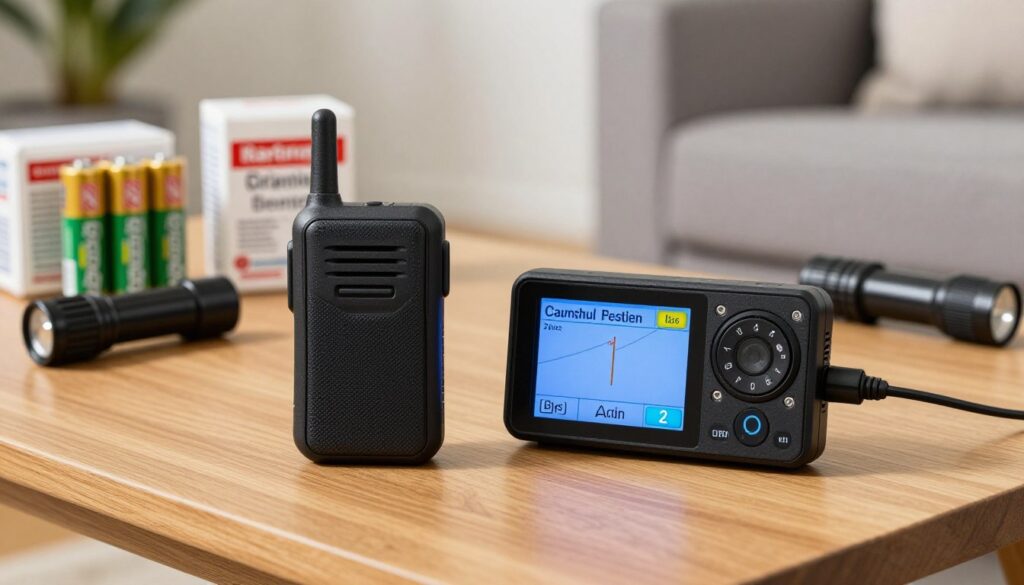
Satellite communicators and emergency weather radios serve complementary purposes. The satellite device lets you send and receive information. The weather radio receives critical broadcast alerts and forecasts. Together, they create a complete emergency communication system.
Why You Need Both Devices
Weather radios receive continuous broadcasts from NOAA Weather Radio stations. These broadcasts provide detailed forecasts, severe weather warnings, and emergency alerts. Reception is free and works during power outages.
Satellite communicators can request weather forecasts, but this drains battery and consumes message credits or satellite data. Weather radios receive information passively without any resource consumption.
The combination gives you both receiving and sending capability. You listen to weather radio for forecast updates. You use the satellite communicator to tell family what you’re hearing and coordinate based on that information.
How Weather Radios Complement Satellite Messaging
Weather radio provides local detail that satellite forecasts cannot match. You hear specific warnings for your county. You receive tornado warnings, flash flood warnings, and storm surge alerts targeted to your precise location.
You can relay this information to family members via satellite messenger. They may not have access to local weather information if they’re in unaffected areas. You become their source for ground-truth conditions.
Weather radios also broadcast non-weather emergency information during disasters. Evacuation orders, shelter locations, water distribution points, and curfew information all get transmitted through NOAA weather radio stations.
Choosing the Right Emergency Weather Radio
For detailed guidance on selecting an emergency weather radio for hurricane preparedness, see our upcoming comprehensive guide: Best Emergency Weather Radio for Hurricane Season 2026. That guide will cover specific models, features, and setup instructions tailored to Gulf Coast hurricane scenarios.
Key features to look for include SAME (Specific Area Message Encoding) for location-specific alerts, multiple power sources including hand crank and solar, and loud alert tones that wake you during nighttime warnings.
Coordinating Both Devices During Emergencies
Keep both devices readily accessible during hurricane threats. Store them together in your emergency kit. Keep charging cables for both devices at your central charging station.
Designate one family member as communications coordinator. That person monitors the weather radio and relays critical information to others via satellite messenger. This prevents everyone from draining their devices checking the same information.
Update your status to family members when weather radio broadcasts indicate changing conditions. If the forecast shifts the track closer to your location, send a satellite message letting family know. If evacuation orders are issued, notify family immediately.
Frequently Asked Questions About Satellite Communicators for Hurricane Emergencies
What is the best satellite communicator for hurricane emergencies 2026?
The Garmin inReach Mini 2 is the best satellite communicator for hurricane emergencies in 2026. It offers global Iridium satellite coverage, 30-day battery life, two-way messaging to any phone or email, SOS emergency response, and detailed weather forecasts. The compact size means you’ll actually carry it during evacuations. The device works when cell towers fail, which happens consistently during major hurricanes.
For budget-conscious families, the SPOT X provides basic two-way messaging at a lower price point with more affordable subscription plans. For users who want a built-in keyboard and standalone operation, the Garmin inReach Messenger Plus adds those features for more than the Mini 2.
How does a Garmin inReach help during a hurricane emergency?
A Garmin inReach provides two-way satellite messaging when cell towers fail during hurricanes. You can text family members to let them know you’re safe. You can request emergency assistance. You can receive weather forecast updates. The device connects directly to Iridium satellites, bypassing the ground infrastructure that hurricanes destroy.
The SOS button activates 24/7 emergency monitoring. Trained coordinators contact local emergency services on your behalf and maintain communication with you throughout the response. The device also tracks your location and can share your coordinates with family members so they know exactly where you are during evacuations or sheltering.
What is the difference between a satellite communicator and a cell phone during a hurricane?
Cell phones require functioning cell towers to operate. Hurricanes destroy cell towers through wind damage, flooding, and power outages. Cell service typically fails within hours of landfall and remains down for 3 to 14 days in severely affected areas. Your cell phone becomes completely useless for communication during this critical period.
Satellite communicators connect directly to satellites orbiting 500+ miles above Earth. These satellites are unaffected by ground-level destruction. The device works the same whether cell towers are operational or completely destroyed. This makes satellite communicators the only reliable communication option during and immediately after major hurricanes.
What is the best two-way satellite messenger for the Gulf Coast?
The Garmin inReach Mini 2 is the best two-way satellite messenger for Gulf Coast residents. It uses the Iridium global satellite network which provides complete coverage across the entire Gulf Coast region with no gaps. The device supports two-way text messaging to any phone number or email address. Recipients don’t need special equipment to receive your messages or reply to them.
The device also includes weather forecast capability, which is crucial during Gulf Coast hurricane season. You can request detailed forecasts for your location or any coordinates, helping you track storms and make informed decisions about sheltering or evacuating. Battery life of 30 days ensures the device works throughout extended power outages common after major hurricanes.
Do I need a subscription for a satellite communicator?
Yes, all satellite communicators require active subscriptions to send and receive messages. The device hardware alone is not functional without service. Subscriptions typically cost to per month depending on the plan and provider. These fees cover satellite network access, ground station infrastructure, and emergency monitoring services.
For hurricane-only use, consider activating subscriptions seasonally from May through November rather than maintaining year-round service. SPOT offers plan suspension during off-season months. Garmin and Zoleo offer month-to-month plans that you can activate and cancel as needed. This seasonal approach reduces annual costs while ensuring coverage during hurricane season.
When should I activate my satellite communicator subscription before a hurricane?
Activate your satellite communicator subscription by May 1st, one month before hurricane season officially begins on June 1st. Waiting until a storm threatens is too late. Activation takes 15 minutes to 48 hours depending on provider and network. During peak demand when storms enter the Gulf, activation times extend to 72+ hours due to overwhelmed systems.
Early activation gives you time to test the device, send practice messages to family members, and verify all features work correctly. You want to discover any problems in May when you can fix them, not in August when a Category 4 hurricane is 48 hours from landfall.
How long does a satellite communicator battery last during a hurricane?
Battery life varies by device and usage intensity. The Garmin inReach Mini 2 lasts 30 days in optimal conditions with minimal messaging, but real-world hurricane use typically yields 7 to 12 days. The SPOT X and Zoleo last approximately 5 to 7 days under moderate messaging loads during emergencies.
Heavy messaging drains batteries faster. Tracking features consume significant power. To maximize battery life, turn off tracking when stationary, power off the device between message sessions, and reduce screen brightness. Pair your satellite communicator with a portable power station to recharge during extended outages that commonly last 3 to 14 days after major hurricanes.
Can I use a satellite communicator inside my house during a hurricane?
Satellite communicators work best with clear view of the sky. Inside concrete or brick buildings, signal strength degrades significantly. You may be able to send messages from near windows, but reliability is reduced. Metal roofs block satellite signals almost completely.
For best performance, move near a window or step outside to send messages. During the height of a hurricane when going outside is impossible, position yourself near the largest window or in the room with the most sky exposure. Wood-frame houses with shingle roofs allow better signal penetration than concrete construction. Test signal strength from different locations in your home before an emergency to identify the best spots for messaging.
What is the difference between one-way and two-way satellite communicators?
One-way devices (Personal Locator Beacons or PLBs) only send distress signals. You press a button, and your GPS coordinates transmit to search and rescue authorities. You cannot send custom messages. You cannot receive any information back. Communication is strictly one direction: you to rescue services.
Two-way satellite communicators allow custom text messaging in both directions. You can send messages to any phone or email. Recipients can reply, and you receive their responses on your device. You can ask questions, provide updates, coordinate with family, and maintain ongoing conversations. For hurricane emergencies where you need to communicate with family members and coordinate assistance, two-way capability is essential.
Are satellite communicators waterproof for hurricane flooding?
Most satellite communicators are water-resistant but not fully waterproof. The Garmin inReach Mini 2 is rated IPX7, meaning it can withstand submersion in one meter of water for 30 minutes. This protects against rain and brief water exposure but not prolonged flooding.
The SPOT X is rated IP67, providing similar protection. Zoleo is rated IP68, offering slightly better water resistance. However, none of these ratings guarantee function after extended submersion in floodwater, which contains debris and contaminants that exceed testing standards. Store your satellite communicator in a waterproof bag or dry box during hurricanes to ensure it remains functional if flooding occurs.
Final Recommendations: Choosing Your Hurricane Emergency Satellite Communicator
Cell networks fail during hurricanes. This is predictable and consistent. Every major hurricane in the past decade has knocked out cellular service for days or weeks in affected areas. Satellite communication is not optional for coastal families who take emergency preparedness seriously.
Device Selection Guide by Priority
If reliability and features are your top priority, choose the Garmin inReach Mini 2. The global Iridium network, exceptional battery life, weather forecasts, and proven track record make it the best overall choice. The $399 device cost and $35/month subscription represent meaningful investment, but the capability justifies the expense for serious preparedness.
If budget constraints limit your options, choose the SPOT X. The $249 device price and $12/month subscription with suspension capability make it the most affordable path to two-way satellite messaging. You sacrifice weather forecasts and some battery life, but core messaging functionality works reliably.
If ease of use matters most, choose the Garmin inReach Messenger Plus. The built-in keyboard and larger screen create better user experience than smartphone pairing. The device costs $50 more than the Mini 2 but operates more intuitively, especially for less tech-savvy users.
If smartphone integration appeals to you, choose Zoleo. The app-based interface feels familiar and comfortable. However, understand the smartphone dependency risk during extended emergencies when managing two device batteries becomes complicated.
Subscription Planning
For most Gulf Coast families, the optimal approach is seasonal activation. Activate service May 1st and maintain it through November 30th. This covers hurricane season plus margin on both ends for early and late-season storms.
Use month-to-month plans for flexibility unless you plan year-round use. The slightly higher monthly cost is worth avoiding annual commitment if you only need service seven months per year.
For Garmin devices, the Recreation plan at $35/month provides the right balance of message volume and features for hurricane use. The 160 custom messages per month handles even active communication during multiple storm threats.
For SPOT X, the Flex Monthly plan at $18/month with suspension capability offers the best value for seasonal users. Activate in May, suspend in December, save money during off-season.
Complete Preparedness System
A satellite communicator is one component of comprehensive hurricane preparedness. Pair it with complementary equipment for a complete system:
- Portable power station to keep the satellite communicator charged during extended outages
- Emergency weather radio to receive continuous NOAA broadcasts and alerts
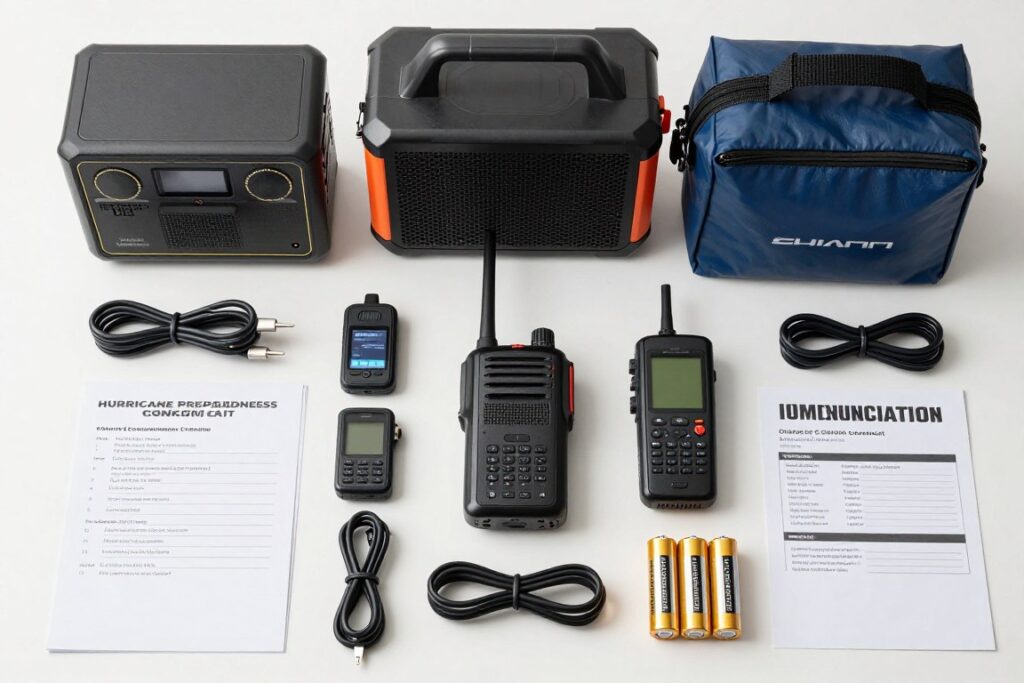
- Multiple charging cables and adapters for device compatibility
- Waterproof storage to protect electronics from flooding
- Written emergency contact list as backup to digital information
Review our guide to the Best Portable Power Station for Hurricane Season 2026 to select appropriate backup power for your satellite communicator and other critical devices.
Testing and Maintenance Schedule
Activate your subscription by May 1st each year. Send test messages to all family members the day service activates. Verify everyone can receive and reply to your messages. Save your satellite contact information in everyone’s phone.
Conduct monthly tests during hurricane season. Send a quick message and request a reply. This ensures service remains active and functional. Monthly testing also keeps family members familiar with the process.
Charge your device fully before each named storm that threatens your area. Update firmware when manufacturers release updates. Check for service alerts or network maintenance that might affect functionality.
The Communication Plan
Establish a communication plan with family before hurricane season. Designate primary contacts who will receive satellite messages. Decide on check-in schedules and preset messages for common situations.
Create message templates in advance. “We’re safe, sheltering at home” and “Evacuating to [location]” and “Need assistance with [specific issue]” save time and battery during actual emergencies. Pre-planned messages reduce stress when you’re trying to communicate under pressure.
Make sure elderly family members understand how to recognize and respond to messages from your satellite device. The sender information looks different than regular cell phone texts. Practice before an emergency so they know what to expect.
When to Upgrade or Replace
Satellite communicators improve significantly with each generation. Newer models offer better battery life, faster processors, and improved features. However, older devices continue functioning adequately if they meet your needs.
Consider upgrading when manufacturers discontinue satellite network support for older models. This happens every 5 to 7 years as networks evolve. Your device will stop working when network compatibility ends.
Consider upgrading when battery life degrades below 50 percent of original capacity. Lithium batteries lose capacity over time. If your device no longer holds sufficient charge for a multi-day emergency, replacement makes sense.
Consider upgrading when new features significantly improve hurricane-specific functionality. For example, if future models add direct integration with emergency management systems or real-time flood mapping, those capabilities might justify upgrade costs.
The Investment Perspective
A quality satellite communicator with three years of seasonal subscriptions costs approximately $750 to $900 total. This breaks down to $250 to $300 per year or about $21 to $25 per month over the ownership period.
For that investment, you gain the ability to communicate with family during the scariest and most dangerous situations you’ll likely face. You can call for help. You can coordinate evacuations. You can let your daughter know you survived the storm that just destroyed your neighborhood.
The question is not whether satellite communication is worth the cost. The question is whether maintaining contact with family and emergency services during life-threatening situations has value. For most people, that answer is obvious.
Prepare Now, Communicate Later: Take Action Before Hurricane Season
Hurricane season returns every year. The calendar never changes. June 1st comes whether you’re prepared or not. The difference between being ready and being caught unprepared is the decisions you make today, before storms develop.
Cell networks will fail during the next major hurricane. This is certain. Families without backup communication will spend days wondering if loved ones survived. They’ll have no way to request help or coordinate assistance. They’ll be isolated and vulnerable precisely when connection matters most.
You can prevent that scenario. A satellite communicator provides reliable communication when conventional infrastructure collapses. Two-way messaging keeps you connected to family. SOS capability summons emergency assistance. Weather forecasts inform your decisions.
The choice is straightforward. Invest in communication capability now, or risk isolation during the next hurricane. The cost is manageable. The benefit is priceless.
Your Hurricane Communication Checklist
- Purchase satellite communicator before May 1st
- Activate subscription and send test messages
- Pair device with portable power station
- Share satellite contact info with family
- Establish communication plan and check-in schedule
Hurricane season starts June 1st. You have time to prepare if you act now. Order your satellite communicator today. Activate service by May 1st. Test the system with your family. Then when the next tropical system enters the Gulf, you’ll be ready with reliable communication regardless of what the storm destroys.
Your family deserves the peace of mind that comes from knowing you can reach them when it matters most. Give them that gift. Get your satellite communicator ready for the 2026 hurricane season starting today.